The web UI provides a browser-based form for generating card key access CSVs without using the CLI.
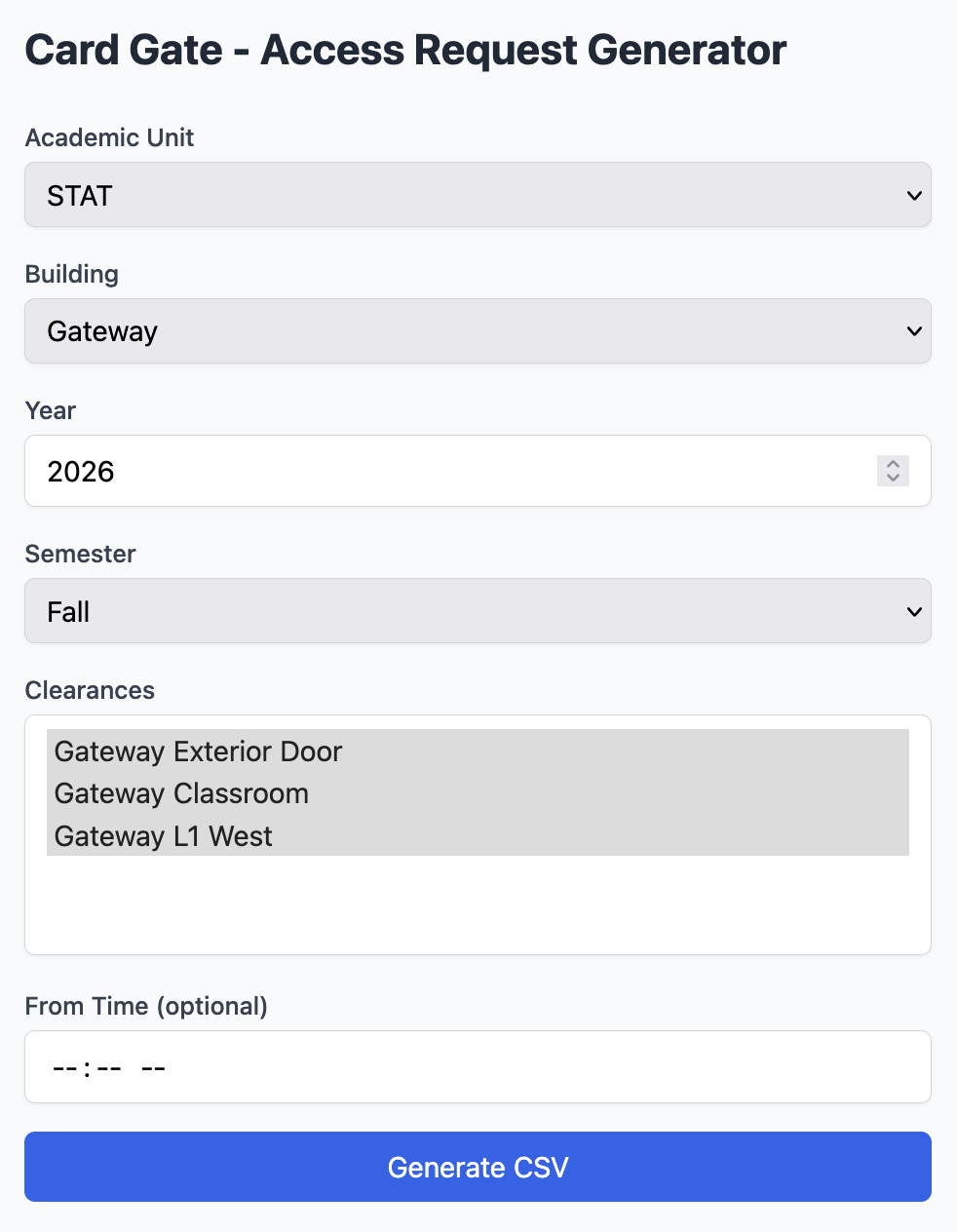
Form Fields
| Field | Description |
|---|---|
| Academic Unit | Dropdown of configured departments. Select “Other” to type a custom code. |
| Building | Dropdown of configured buildings. Select “Other” to type a custom name. |
| Year | The academic year (e.g., 2026). Defaults to the current year. |
| Semester | Spring, summer, or fall. |
| Clearances | Multi-select list of clearance locations from cardgate.yaml. All are selected by default; deselect any to omit them from the output. |
| From Time | Optional time filter — only course sections starting at or after this time (24h format, e.g. 18:00) are included. |
Output
The form generates the same CSV format as the CLI (see CSV Output) and downloads it automatically.