Sass
Here is how the imports work in the _sass directory. The diagram should be read like a depth-first traversal of the tree. So you start at custom/custom.scss, then just-the-class/just-the-class.scss and all of its children are imported, then berkeley/berkeley.scss and so on with custom/course_overrides.scss imported last.

Downstream files like custom/course_overrides.scss overwrite any conflicting selectors or variables previously defined in custom/custom.scss or other upstream files. For this reason, courses should primarily make changes to custom/course_overrides.scss to ensure that their changes propogate. The exception is if a class wants to change particular just-the-class files like just-the-class.module.scss for their course’s custom needs.
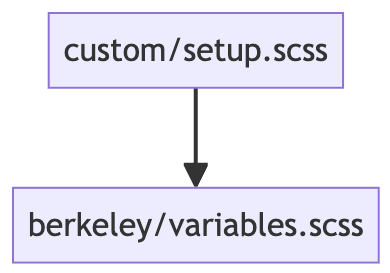
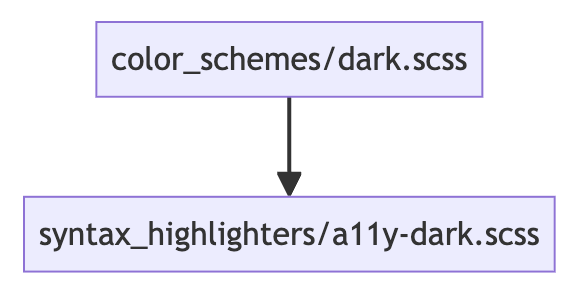
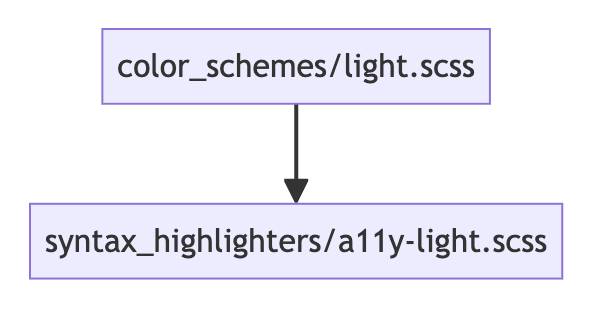
Some of the files shown above in turn import other files. These imports are shown below.